Health metrics
Compare the measurements you need, not just the total number. Readiness, recovery and stress scores are interpretations; their meaning and calculation differ by app.
- Apple Health
- Covers activity, sleep, body measurements, medications, cycles and supported clinical records. Available measurements depend on connected sources and regional support.
- Google Health
- Brings together activity, sleep, nutrition and health measurements from compatible wearables and outside sources. The available data depends on your setup.
- Yural
- Focuses on key activity, fitness, sleep, readiness and stress measurements, plus personal tracking. Broader medical records remain in Apple Health.
- Samsung Health
- Covers activity, sleep, nutrition, mindfulness and vitals. Compatible Galaxy hardware adds measurements such as body-composition estimates and advanced health indicators.
- WHOOP
- Focuses on sleep, recovery, strain, workouts, stress and longer-term trends. Core measurements and derived scores rely on a WHOOP wearable.
Which wearable data can each app use?
Read across from your wearable to each app. The cells show the data route, rather than direct device pairing.
Swipe to compare →
| Wearable data |  Apple Health |  Google Health |  Yural |  Samsung Health |  WHOOP |
|---|---|---|---|---|---|
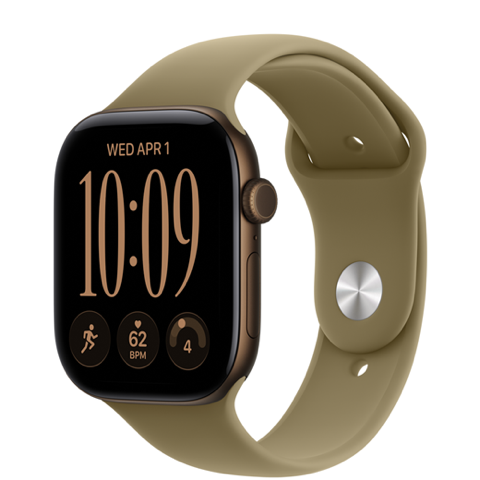 Apple Watch | DirectApple ecosystem | HealthKitVia iPhone | HealthKitVia iPhone | No built-in routeNo standard bridge | Selected importsHealthKit · iPhone |
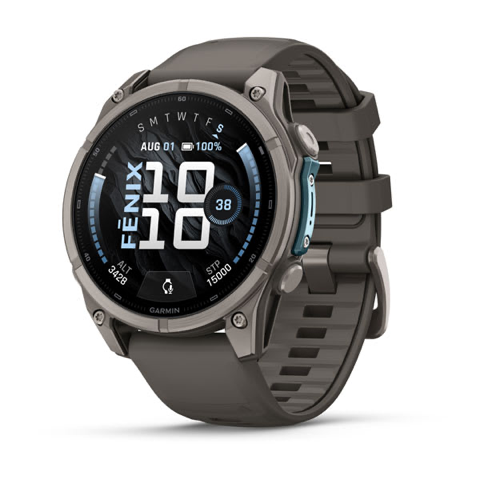 Garmin watches | HealthKitVia iPhone | HealthKit / ConnectiPhone / Android | HealthKitVia iPhone | Health ConnectVia Android | Selected importsHealthKit / Connect |
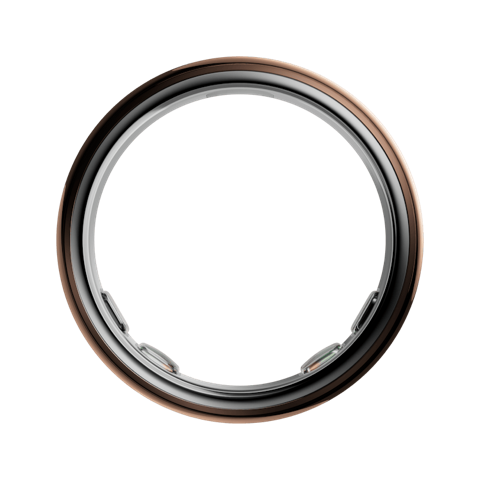 Oura Ring | HealthKitVia iPhone | HealthKit / ConnectiPhone / Android | HealthKitVia iPhone | Health ConnectVia Android | Selected importsHealthKit / Connect |
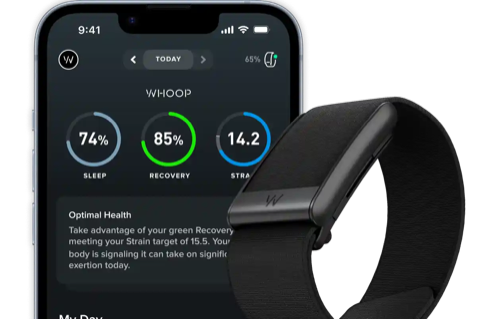 WHOOP | HealthKitVia iPhone | HealthKit / ConnectiPhone / Android | HealthKitVia iPhone | Health ConnectVia Android | DirectWHOOP ecosystem |
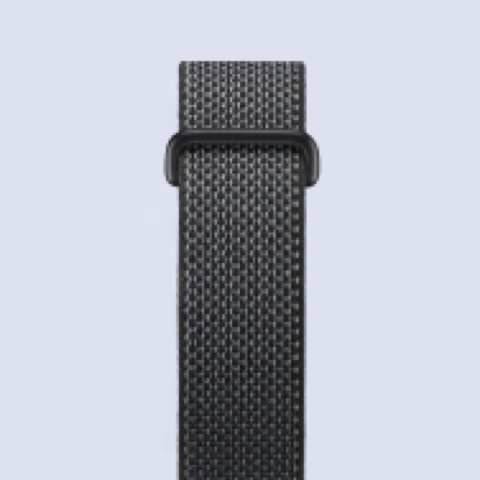 Fitbit devices | HealthKitVia iPhone | DirectGoogle ecosystem | HealthKitVia iPhone | Health ConnectVia Android | Selected importsHealthKit / Connect |
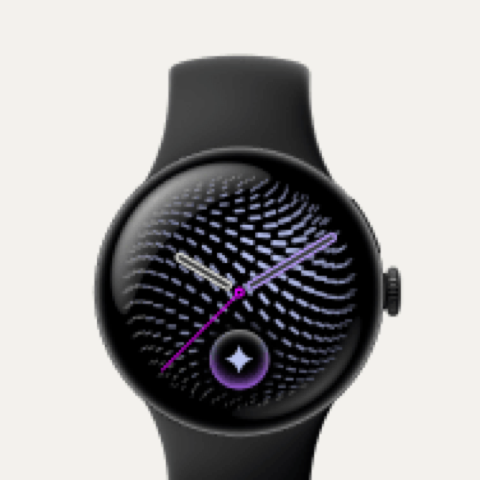 Google Pixel Watch | No built-in routeAndroid wearable | DirectGoogle ecosystem | No built-in routeAndroid wearable | Health ConnectVia Android | Selected importsConnect · Android |
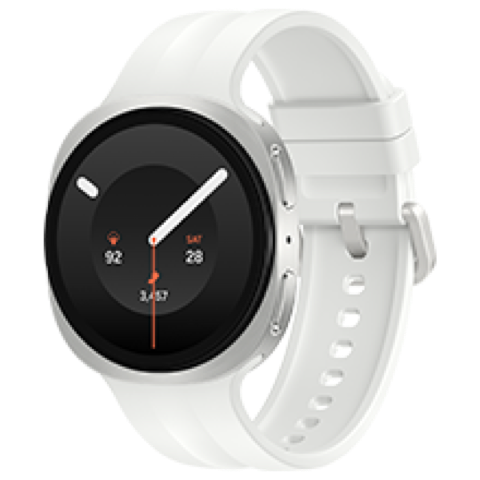 Samsung Galaxy wearables | No built-in routeAndroid wearable | Health ConnectAndroid | No built-in routeAndroid wearable | DirectSamsung ecosystem | Selected importsConnect · Android |
Apple Health and Yural use HealthKit: any wearable that writes to Apple Health can supply the measurement types each app supports, with your permission. A shared connection does not transfer every metric or proprietary score.
Goals & targets
A target sets an amount, frequency or habit: steps per day, sleep hours or workouts per week. Check whether you can choose the measurement, threshold and time period.
- Apple Health
- Set sleep-duration goals and bedtime schedules in Health. Move, Exercise and Stand goals belong to the separate Fitness and Activity apps.
- Google Health
- Set supported activity goals and a weekly cardio target. Custom workout goals can specify distance, time or energy; wearable support varies.
- Yural
- Set recurring habits or measurable minimum, maximum or exact goals. Use daily, weekly or monthly targets, or fixed-period Challenges with supported or custom metrics.
- Samsung Health
- Set step and activity targets, plus body-composition goals with compatible Galaxy hardware. Personalised guidance and available measurements depend on your setup.
- WHOOP
- Choose weekly metric, activity and behaviour goals: sleep consistency, steps, training frequency or hydration. Daily strain targets also adapt to recovery.
Plans & programmes
A programme arranges activities over time. A weekly checklist, a sleep schedule and a progressive running plan offer different kinds of structure.
- Apple Health
- Health organises sleep schedules rather than progressive workout programmes. Fitness, Fitness+ and Watch workout tools are separate parts of Apple’s ecosystem.
- Google Health
- Build custom workouts and follow personalised weekly fitness plans. Coach-created plans and conversational adjustments require eligible Premium access.
- Yural
- Follow progressive running sessions towards starting, completing a distance or improving performance. Programmes use scheduled phases and checkpoints; access depends on plan.
- Samsung Health
- Follow ability-based running programmes and multi-week sleep coaching. Required Galaxy devices, software, data history and regional availability differ by feature.
- WHOOP
- Choose preset or custom weekly plans covering sleep, fitness or habits. Sleep planning and daily strain guidance complement the weekly commitments.
Articles & personal library
Guided content helps you learn. A personal library adds somewhere to keep your own notes, articles and useful links; these are separate capabilities.
- Apple Health
- Includes health articles, but does not offer private notes or saved-link collections.
- Google Health
- Premium content and workout videos; private article and note collections are not confirmed.
- Yural
- Discovery provides articles and Tips; Collections holds notes and saved links. Article access depends on your plan.
- Samsung Health
- Guided fitness and mindfulness content; personal reference collections are not confirmed.
- WHOOP
- Coaching guidance; a private article, notes and links collection is not confirmed.
Guidance & health alerts
Suggestions propose a next step; alerts flag a measurement or send a reminder. Both depend on the available data and your settings.
- Apple Health
- Health surfaces highlights, trends and configured reminders. Supported Apple Watch features add health notifications; availability depends on device, settings and region.
- Google Health
- Eligible Google Health coaching uses health data, goals and recent activity to suggest next steps and adjust plans. Premium and device requirements apply.
- Yural
- Consider Now suggests activities from current state, goals and plans. Sleep reminders, optional stress notifications and other activity reminders depend on available data and notification settings.
- Samsung Health
- Samsung provides sleep and activity guidance, Energy Score tips and Health Assist recommendations. Advanced measurements and notifications depend on compatible devices and settings.
- WHOOP
- Recovery, sleep and strain inform suggested effort and weekly goals. Coaching uses individual records and behaviour context within the membership service.
AI health assistance
AI health assistance uses your health context to explain results or help with plans. Compare what it can do, where it runs and which plan is required.
- Apple Health
- Apple Health provides records, charts, explanations and notifications, but no built-in conversational health agent in the reviewed app. Other system assistants are separate.
- Google Health
- Discuss health and workout data, create a fitness plan and request plan changes. Personalised coaching requires an eligible paired Fitbit or Pixel Watch, Premium access and a supported country.
- Yural
- Discuss metrics, activities, notes and plans with contextual follow-ups and visual answers. Yural Companion on Mac requires supported devices and the relevant plan access.
- Samsung Health
- Ask about activity, sleep, nutrition, stress and Energy Score using personal Samsung Health data. Supported smartphones, settings and regional availability apply.
- WHOOP
- Discuss sleep, recovery, strain and personal goals using WHOOP records. Context and coaching are part of the wearable membership experience.
Shared Challenges
Sharing measurements with someone is different from working towards a group goal. Check which activities or targets a challenge supports.
- Apple Health
- Shares health information with people; does not establish a shared group Challenge.
- Google Health
- Weekly steps and cardio-load leaderboards for friendly competition.
- Yural
- Fixed-period group Challenges with participant progress and reminders. Plan allowances apply.
- Samsung Health
- Group step challenges through Together.
- WHOOP
- Teams and metric leaderboards for shared motivation.
Charts & customization
Look for charts and shortcuts you can organise around your routine. Choosing dashboard items is different from defining your own measurements.
- Apple Health
- Choose and reorder pinned categories and view charts.
- Google Health
- Configurable dashboards and favourite metrics.
- Yural
- Customize charts, shortcuts, objectives and personal measurements to suit your routine.
- Samsung Health
- Health overview with configurable items.
- WHOOP
- Reorder dashboard metrics and choose journal behaviours to track.
Supported platforms
Check where the app itself runs as well as which devices supply its data. A shared data connection does not make every feature available on every platform.
- Apple Health
- Native Health apps are on iPhone and iPad; Apple Watch supplies measurements. No native Mac Health app or Android app is included.
- Google Health
- Mobile apps support iPhone and Android. Pixel Watch requires Android; coaching and connected-device capabilities vary by the selected setup.
- Yural
- Native apps cover iPhone, iPad, Apple Watch and Mac. Android is not supported; Mac access and advanced capabilities depend on the selected plan.
- Samsung Health
- Samsung Health supports Android with compatible Galaxy wearables. Certain health functions require a Galaxy phone; models, software and regional conditions apply.
- WHOOP
- Phone apps support iPhone and Android, with a companion web view. Core recovery and strain depend on WHOOP hardware and membership.
Which app suits you?
Apple Health
- Who it suits
- You want a central place for health records and everyday trends.
- Key strengths
- Broad measurements, medication reminders and data from compatible devices.
- Considerations
- Apple only. Training programmes and activity-ring goals use separate apps.
Google Health
- Who it suits
- You use Fitbit or Pixel Watch, or want a health overview on iPhone or Android.
- Key strengths
- Connected wearable data, custom workouts and eligible personalised coaching.
- Considerations
- Pixel Watch needs Android. Coaching needs an eligible Fitbit or Pixel setup, Premium and a supported country; imported data does not power every score.
Yural
- Who it suits
- You want one assistant to help you build habits, plan workouts and learn a little each day.
- Key strengths
- Key metrics, practical next steps, structured habits and bite-sized learning in one place.
- Considerations
- Apple only. It focuses on selected measurements; programmes, Mac access and advanced tools depend on your plan.
Samsung Health
- Who it suits
- You use Galaxy wearables and want activity, sleep and nutrition together.
- Key strengths
- Running and sleep coaching, food tracking and Together step challenges.
- Considerations
- Advanced functions depend on compatible Galaxy hardware, software and country.
WHOOP
- Who it suits
- You want daily guidance around training effort, recovery and sleep.
- Key strengths
- Recovery and Strain insights, sleep planning and weekly habit goals.
- Considerations
- Core tracking requires a WHOOP wearable and membership. External data sharing covers selected records.
Sources
Compared using product documentation, not hands-on testing.
- Apple Health: official app listing ↗
Health records, sleep schedules, trends, sharing and educational content.
- Apple: understand your readiness score ↗
Readiness belongs to supported Apple Watch models; it is not a universal standalone Health feature.
- Google Health: the redesigned app ↗
Current Fitbit successor, device-dependent views, fitness plans, nutrition, content and social features.
- Samsung Health: official feature guide ↗
Activity, sleep, Energy Score, coaching, food tracking and Together; check device and region conditions.
- Samsung Health: official Android listing ↗
Core phone functionality, fitness tracking, nutrition, content and device requirements.
- WHOOP: official app listing ↗
Wearable requirement, sleep, recovery, strain, journal, plans and teams.
- WHOOP: mobile and web app guide ↗
Provider documentation of long-term trends, goals, membership conditions and web access.
- Yural: official app listing ↗
Public App Store description, supported devices and version history.
- Samsung: Health Assist ↗
Contextual chat and personal recommendations; device/configuration conditions apply.
- Google Health: dashboards and product scope ↗
First-party explanation of configurable dashboards and the wider health app.
- Apple: pinned categories and health trends ↗
Choosing/reordering categories, highlights and visual trend review.
- Apple: health data, apps and source priority ↗
Permissions and source priority; not a device certification.
- Garmin: sharing Connect data with Apple Health ↗
Selected one-way exports from Garmin Connect; workout detail and synchronization limits apply.
- Oura: Apple Health integration ↗
Supported exported/imported types, iOS and membership conditions.
- WHOOP: Apple Health integration ↗
Selected records shared; HRV is not exported to Apple Health.
- Google Health: third-party devices and apps ↗
Health Connect and Apple Health routes; brand-specific metric limitations.
- Google Health: Apple Health connection ↗
iPhone data sharing and supported record types.
- Google Health: August 2026 integration update ↗
Official announcement of selected Fitbit data exports to Apple Health.
- Google: Pixel Watch compatibility ↗
Requires Android; does not pair with iPhone.
- Samsung: sharing data through Health Connect ↗
Supported Android data types, permissions and synchronization conditions.
- Yural: official Mac listing ↗
Mac review, planning, Library and Chat scope; requirements apply.
- Apple: sleep goals and schedules ↗
Sleep-duration goals and schedules in Health.
- Apple: activity goals in Fitness ↗
Move, Exercise and Stand goals belong to Fitness and Activity, rather than a Health training programme.
- Google Health: goals and weekly cardio targets ↗
Device activity goals, weekly cardio targets and Premium planning conditions.
- Google Health: custom workouts and plan changes ↗
Distance, time and energy targets, custom workouts, and conversational or manual plan adjustments.
- Samsung: health tracking and goals ↗
Activity goals, tracking, personalised guidance and device requirements.
- Samsung: running and sleep coaching update ↗
Running programmes and tailored four- to eight-week sleep coaching; eligibility applies.
- WHOOP: Weekly Plan goals and requirements ↗
Preset and custom weekly goals for sleep, strain, activities and habits; available across memberships after sufficient recorded sleep.
- Google Health Coach: data and personalisation ↗
Personalised explanations based on health data, goals, sleep and workout history.
- Garmin: sharing data with Health Connect ↗
Android sharing through Garmin Connect; supported record types and permissions apply.
- Oura: Health Connect integration ↗
Android exports and imports; membership requirements apply.
- WHOOP: Health Connect integration ↗
Selected activity imports and WHOOP exports; another wearable does not replace the WHOOP sensor.
- Samsung: Health Connect data access ↗
Supported records can be read and written through Health Connect; permissions are separate.